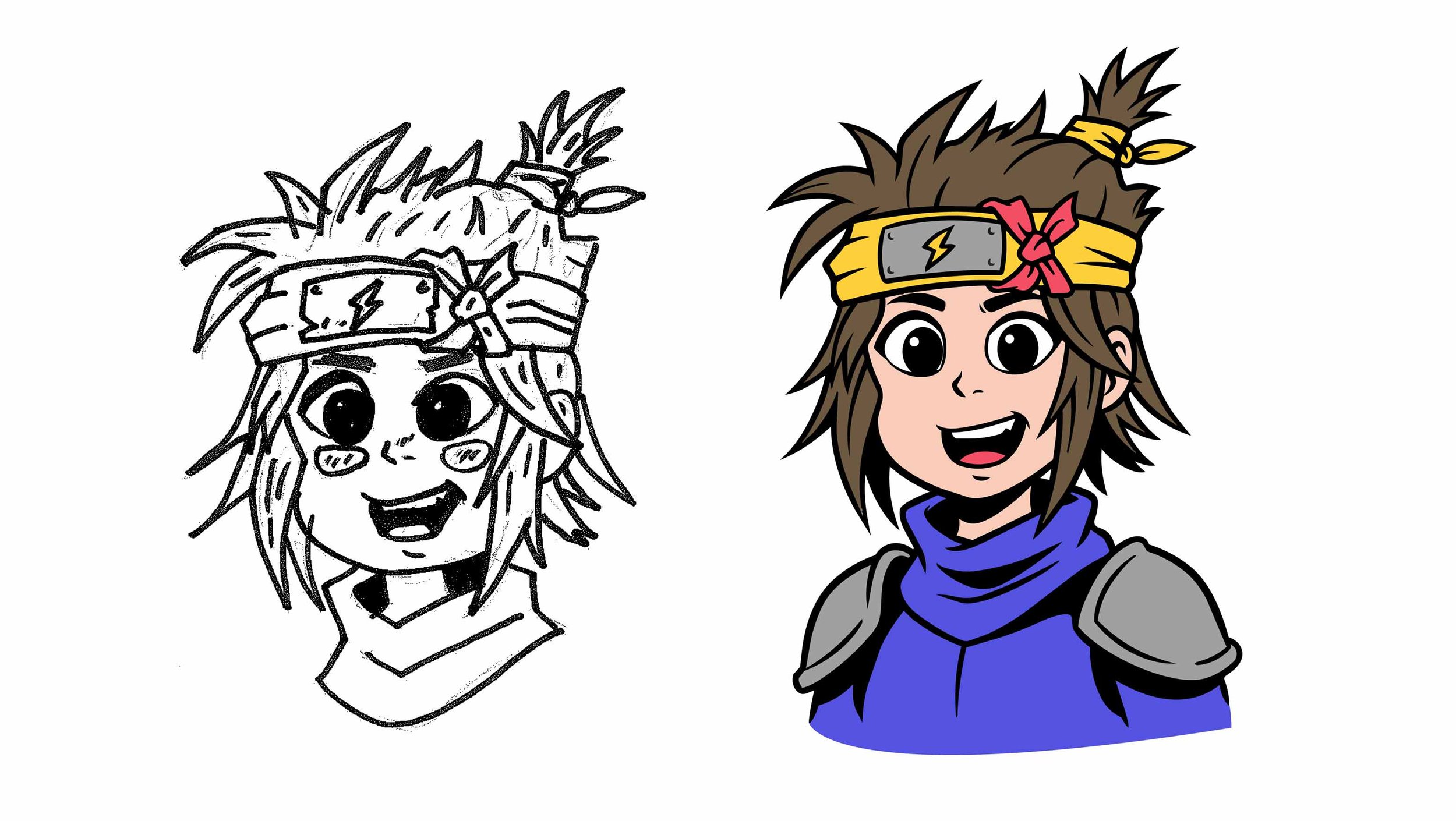
Adobe Illustrator has added a new Concept to Vector feature, so naturally, we had to have a play with it.
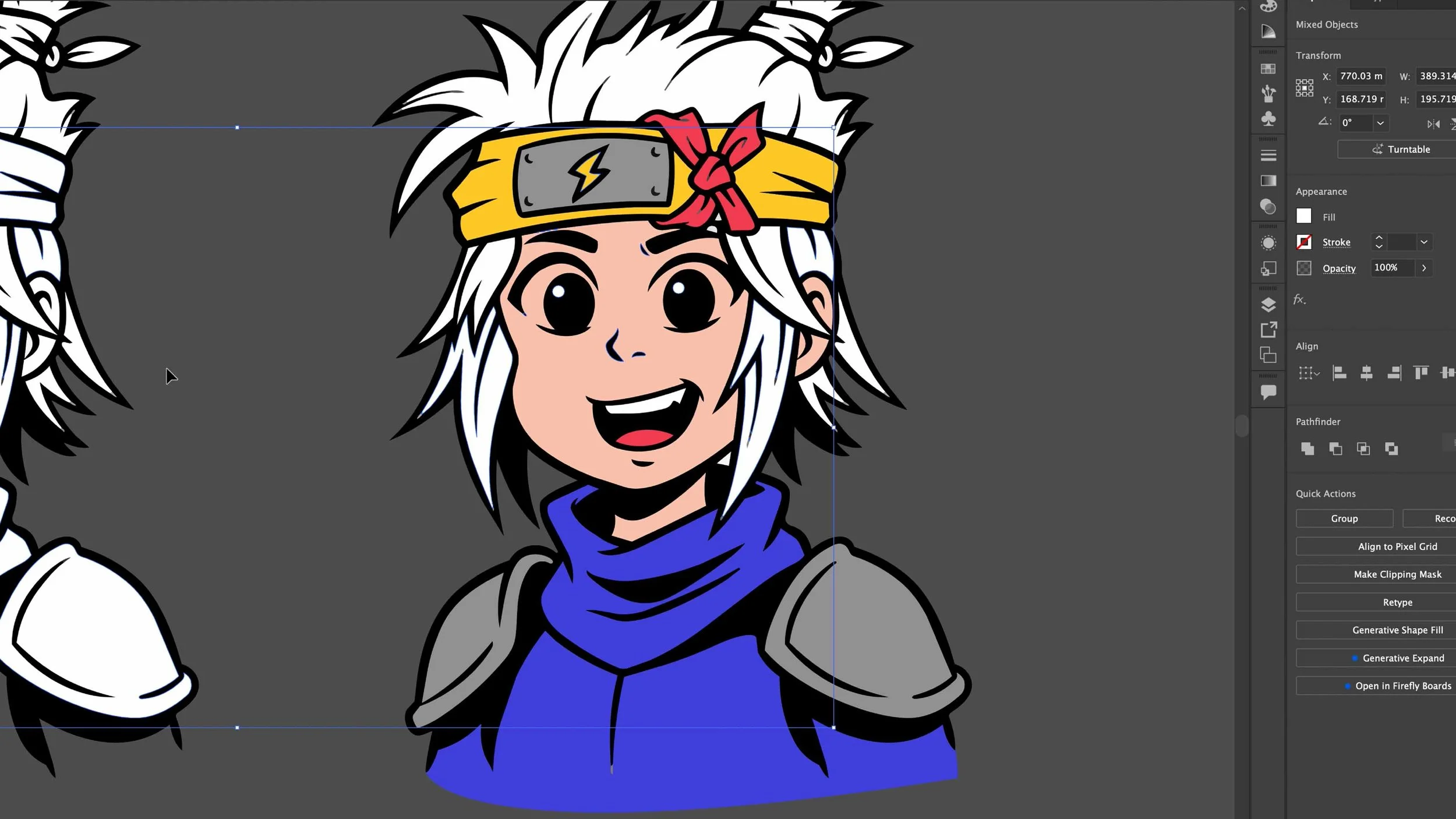
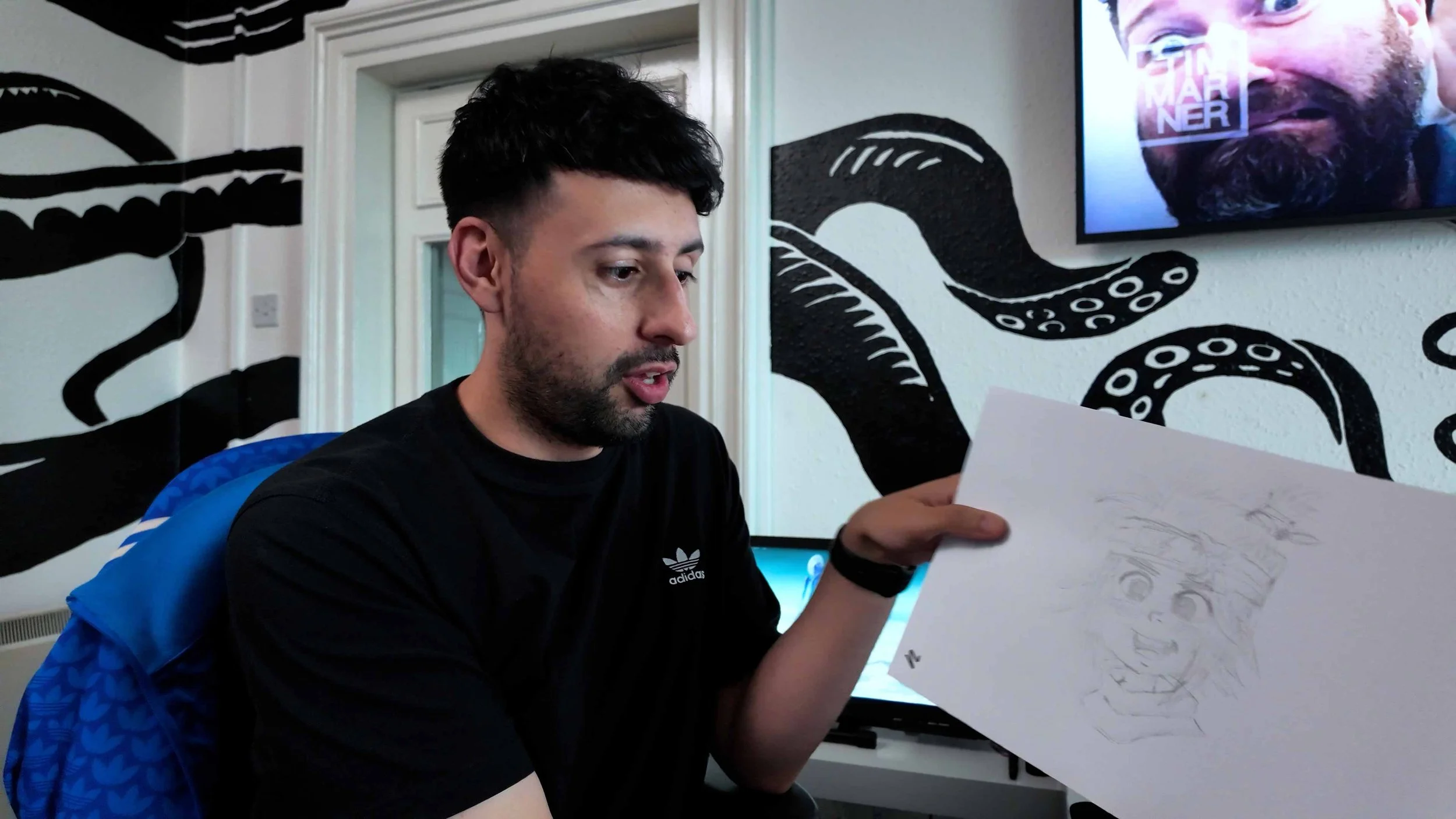
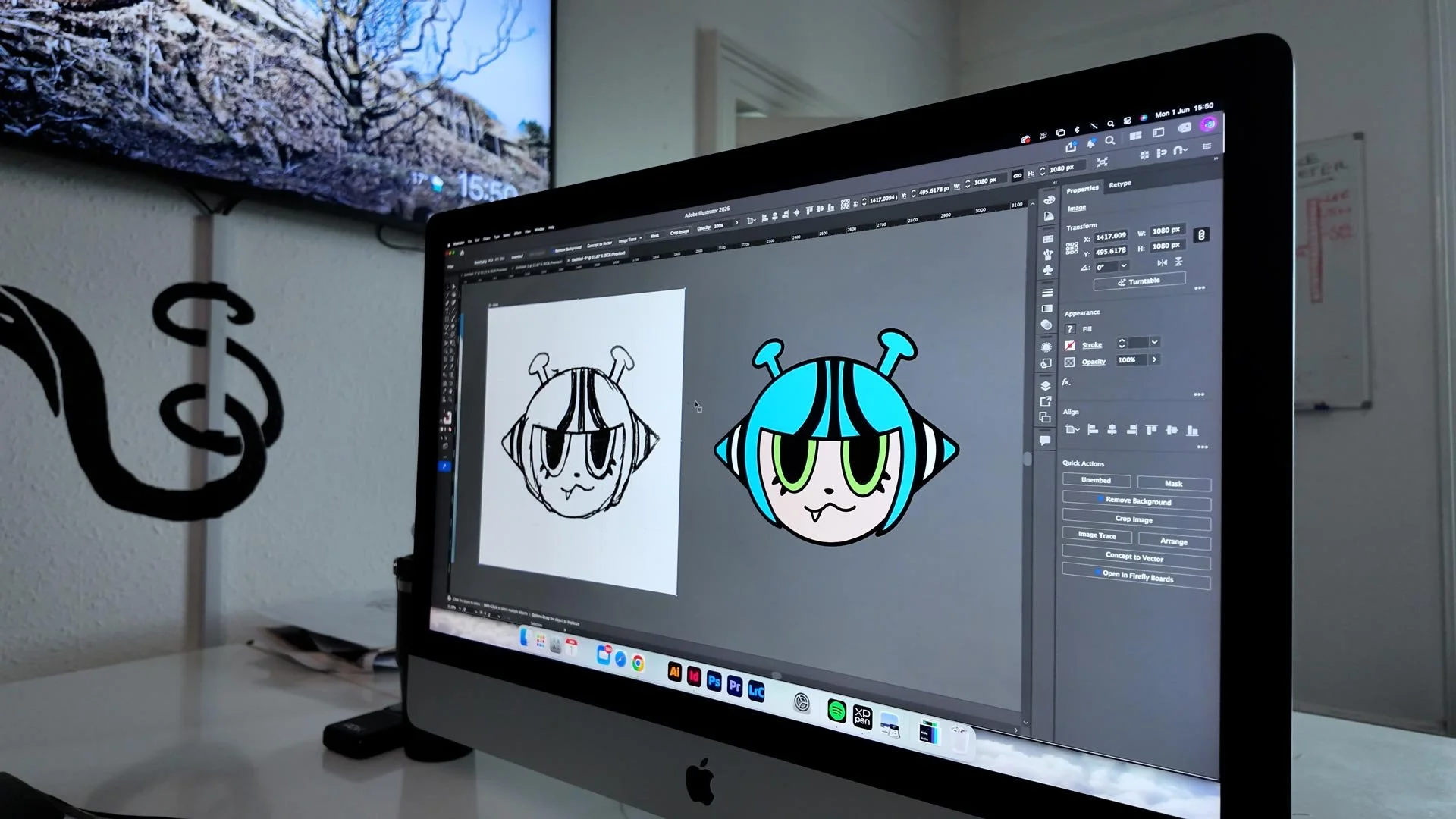
The idea is simple: take a rough sketch, image or concept, and turn it into editable vector artwork inside Illustrator.
Sounds a bit mad. Also sounds like the sort of thing designers should probably be paying attention to.
So we tested it.
What is Concept to Vector in Adobe Illustrator?
Concept to Vector is an AI-powered feature in Adobe Illustrator that helps turn rough ideas into vector artwork.
Instead of staring at a blank artboard wondering where your life went wrong, you can start with a sketch or reference image and use Illustrator to generate a cleaner vector version.
The best bit? It is not just a flat image. The result can be edited as vector artwork, which means you can still tweak, refine and actually design with it.
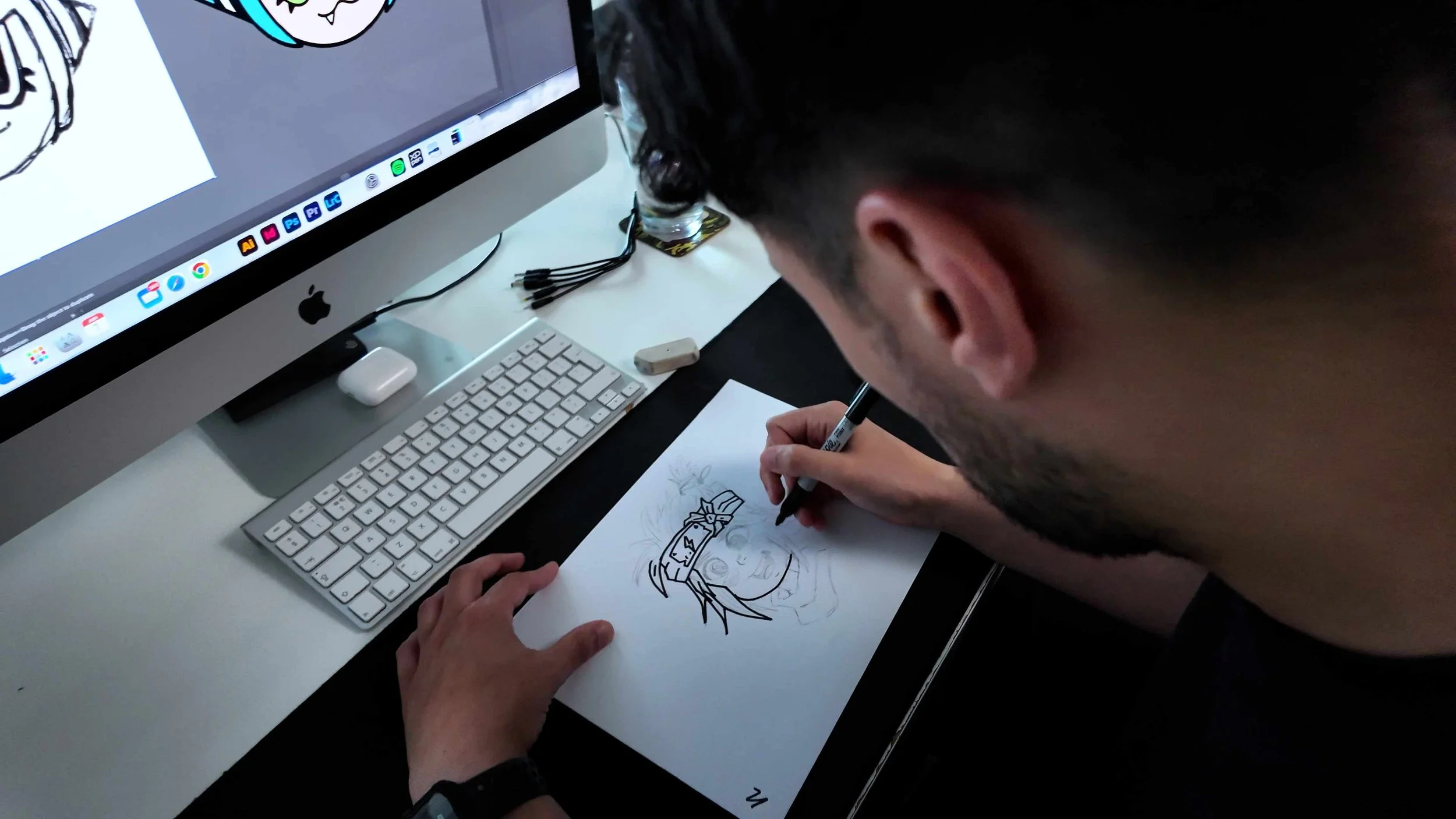
From rough idea to vector in minutes
In the video, we show how quickly you can go from a basic starting point to something that looks much more polished.
That does not mean the job is finished in five minutes.
Let’s not get silly.
But it does mean you can get to a useful starting point much faster than before.
For designers, that is where this tool becomes interesting. It helps you move quicker through the messy first stage, where you are trying to get an idea out of your head and onto the screen.
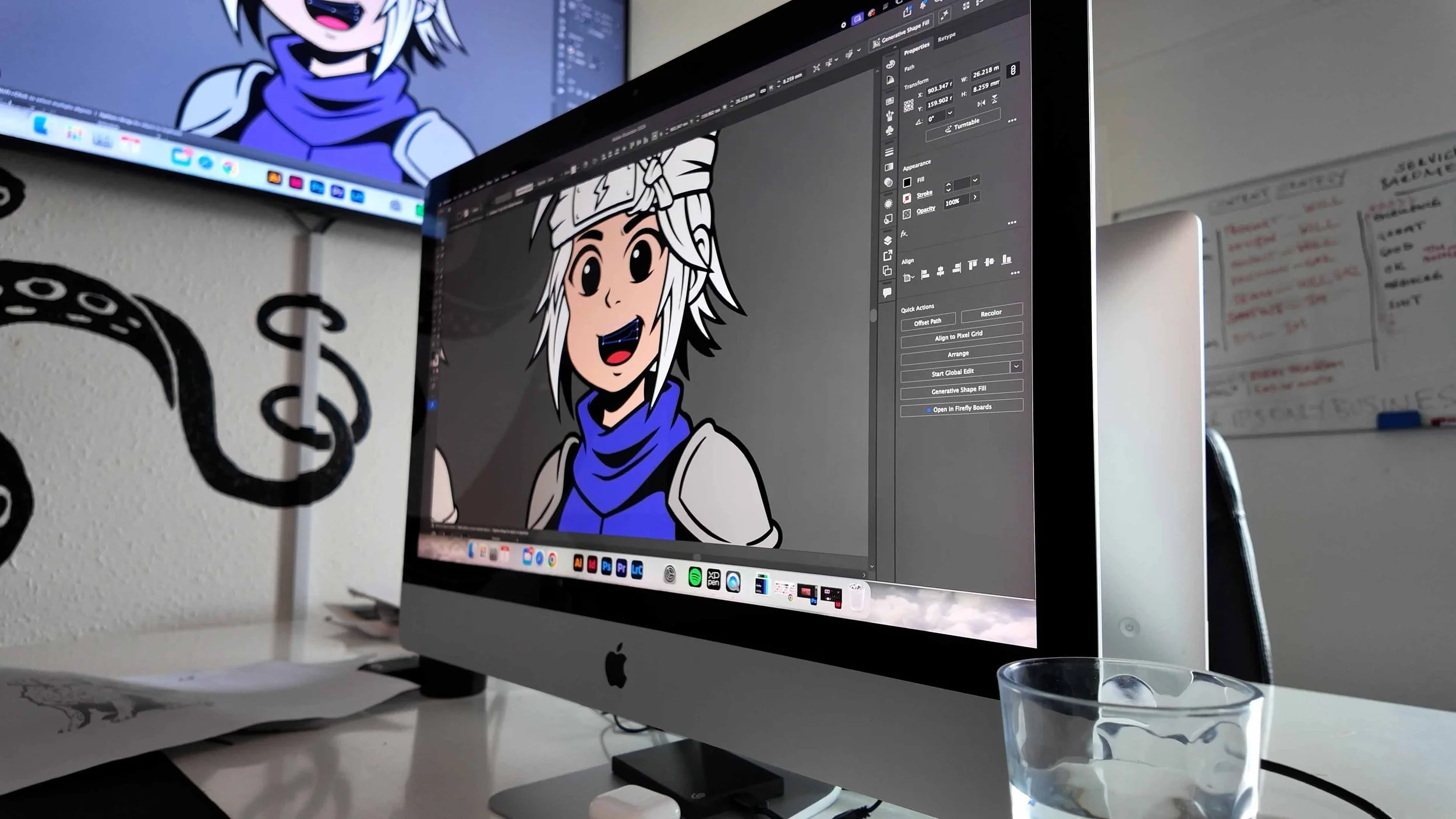
Is Concept to Vector actually useful?
Yes, with a big asterisk. It is useful for:
Turning sketches into vector starting points
Exploring logo or icon ideas
Creating quick illustration concepts
Testing visual styles
Speeding up early design development
Getting past the blank artboard stage
But it is not a replacement for proper design thinking.
It will not understand your client’s brand, their audience, their positioning or what the work actually needs to communicate.
That bit is still on you.
Concept to Vector vs Image Trace
A lot of people will probably compare Concept to Vector with Illustrator’s Image Trace feature.
Image Trace is useful, but it tends to follow what is already there. Sometimes brilliantly. Sometimes like it has had three coffees and a breakdown.
Concept to Vector feels more like a creative interpretation tool. It can take the idea and generate something cleaner, more stylised and potentially more useful as a design starting point.
So, Image Trace is still useful.
But Concept to Vector feels more interesting for early ideas, illustrations and creative exploration.
Will AI replace designers?
No. Bad designers, maybe. But good designers? Not really.
AI can create options. It can speed things up. It can help you explore directions faster.
But it still needs someone with taste, judgement and strategy to decide what is actually right.
A client does not just need “a vector”. They need the right idea.
That is the difference.
Our honest thoughts
Adobe Illustrator’s Concept to Vector feature is not magic, but it is genuinely useful.
We would not use it as the final answer. We would use it as a starting point.
And that is where AI tools are becoming really powerful for creatives.
Not replacing the thinking.
Just speeding up the bit where you get something on the page and start making better decisions.
Watch the video below to see how we turned a rough concept into vector artwork in around five minutes.
NEED OUR HELP?
Whether it's Branding, Design, Websites, Photography, Video, Print or Social Media, we can help you make an impact.